Complete Beginners … Start Here!
If you have never tried Astrophotography before, and are interested in having a go, this page is for you!
To get started in astrophotography, all you need is a digital camera with a manual mode, and a tripod. If you have a remote shutter release, especially a wireless one, that will help you to avoid camera shake during the long exposures you need to use. A home computer is also very useful for working out what you can photograph from where you live, and when is the best time to do it. If you would prefer a video tutorial, here is a link to my YouTube tutorial. Otherwise, read on.
Before you rush outside with your camera and tripod in hand, there are some things to consider :
1. CHOOSE A TARGET YOU CAN IMAGE FROM YOUR LOCATION
When considering what your first target should be it is important to choose something that is
- Visible from where you live
- Easy to find in the sky
- Large enough to fill a reasonable proportion of your camera’s sensor (depends on which focal length lens you use)
- Bright enough to see in a single image
I recommend you start by using Stellarium to take a look at what is available in the sky from where you live, and when you can photograph it. Stellarium has an online version called Stellarium Web (you can also download a stand-alone version if you wish). Let’s use the on-line version…
In the bottom-left corner of the view area is a small box which you click to set your location. A pop-up window lets you browse a map or enter the name of your location. You then click ‘use this location’.
In the bottom-right corner is a button showing the date and time of the current view. Click on this and a slider appears. Drag the slider and you’ll see the display changing to show you what is in the sky at that time. Look for the moon, Milky Way, planets etc… Also try moving the sky display itself using left mouse ‘click and drag’, and changing the zoom using the mouse wheel. If you zoom out enough you’ll see the whole sky represented as a circle with compass points North, South, East and West marked on it. Now you can navigate space and time, you can search for a suitable target!
Popular first-time targets include the Milky Way, The Andromeda Galaxy (M31) and the Great Orion Nebula (M42). These are all pretty large and bright night sky objects by astrophotography standards. The Milky Way is very large!
Check what time you can start and finish photographing your chosen target, and in what direction it will be. Make sure you will not be obstructed from your viewing location by trees, houses etc…

Stellarium Web
2. CHECK THE WEATHER FORECAST
You need a clear sky with little or no wind. You should also wait for complete darkness. There are some useful websites and smartphone apps for astronomy weather forecasting. Here are a couple of them to get you started :
Clear Outside Website. Also available as an iOS/Android app. Shows cloud, rain, temperature, pressure, humidity, wind speed and direction etc…
Scope Nights iOS app. Provides 7-day forecast, and shows cloud, rain, wind, moon illumination, moon & sun rise/set times. Also has a Dark Sky map.
Be sure to set your location on these websites/apps before looking at the forecast. The Clear Outside app defaults to Exeter, Devon, UK when it runs up but you can then just click ‘Current Location’ at the bottom of the screen.
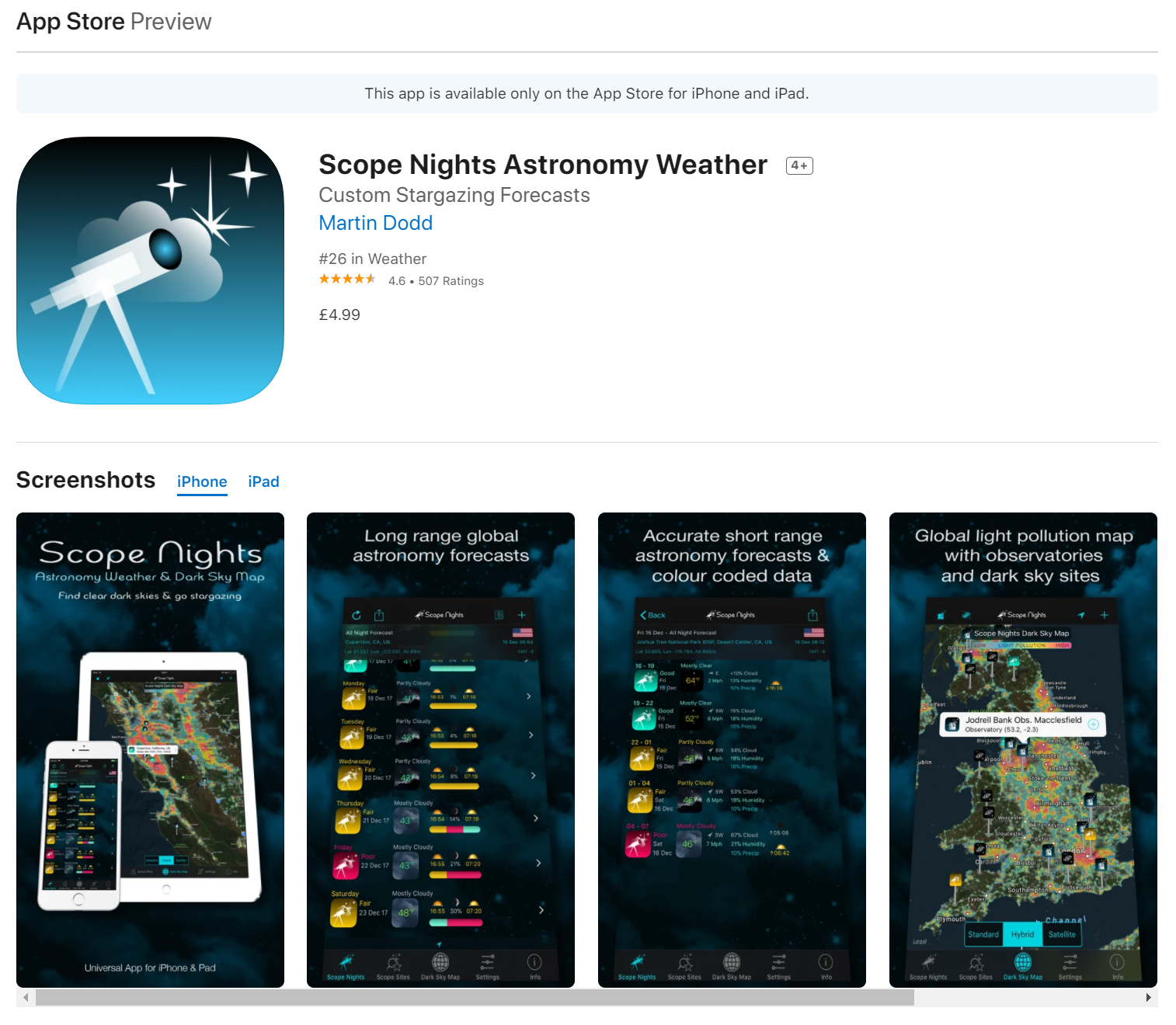
Scope Nights
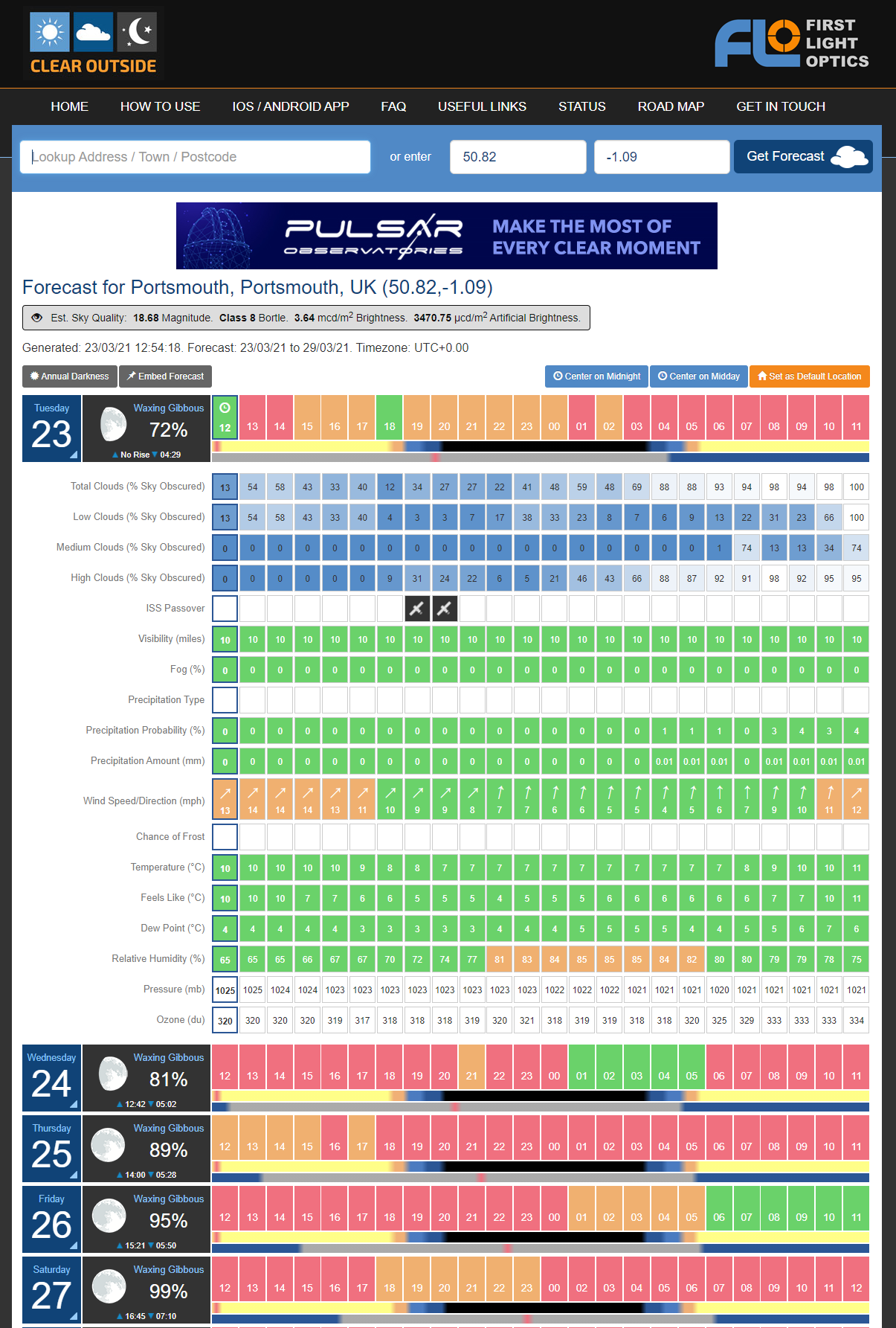
Clear Outside
3. CHOOSE A FOCAL LENGTH
Next, consider what focal length lenses you have available and choose a focal length to use for your shot. If you are photographing the Milky Way, I suggest a focal length in the range 20-40mm. If you are photographing something smaller like M42 (Great Orion Nebula) or M31 (Andromeda Galaxy) then go for 100-200mm if you are able to.
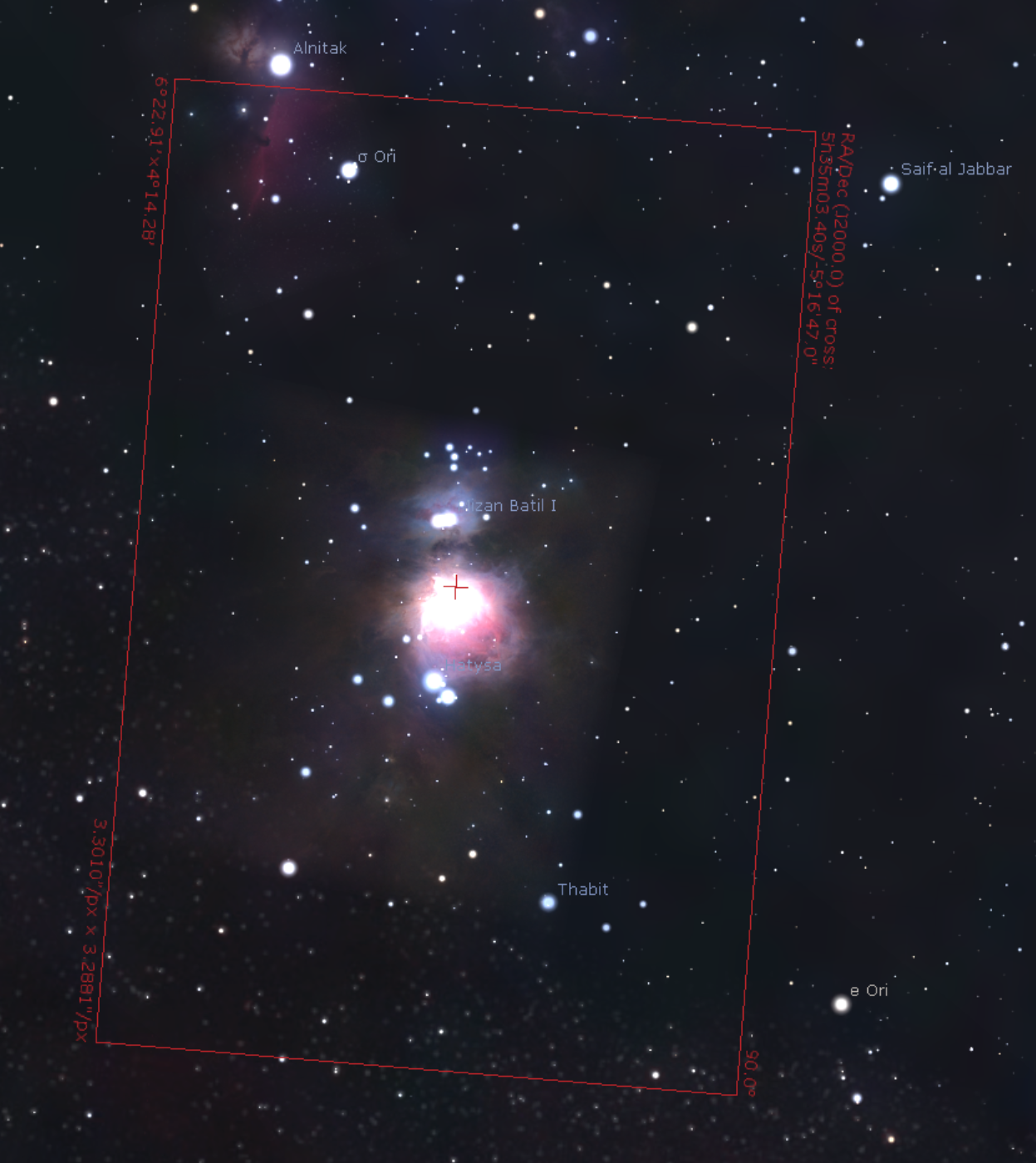
Framing of the M42 (Great Orion Nebula) with a 200mm focal length on a Canon EOS 90D

Framing of the Milky Way core with a 20mm focal length on a Canon EOS 90D

Framing of the Andromeda Galaxy (M31) with a 200mm focal length on a Canon EOS 90D
4. SET UP YOUR CAMERA
Fit your chosen lens.
Make sure you know how to set…
- Shutter speed (= exposure time)
- Aperture (= ‘f’ number)
- ISO (= gain/sensitivity).
Make sure your lens is set to manual focus and locate the manual focus ring.
Check if you have a LiveView facility that shows what the camera is seeing live on its screen. If so, see if you can zoom the LiveView display. If so, this will be very useful for getting your focus right.
In the settings menus:
- Ensure your recording format is set to RAW, not JPEG.
- Disable any Long Exposure Noise Reduction
- Disable High ISO Noise Reduction
Fit camera securely to your tripod.
Fit remote shutter release (if you have one) and check batteries are healthy (if it has them).
Ensure camera battery is fully charged (and any spare batteries you have)
Ensure you have plenty of space on your camera’s memory card.
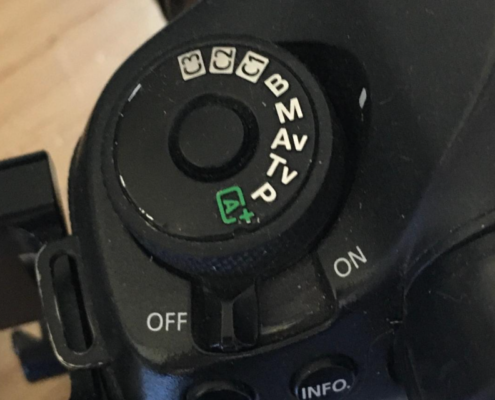
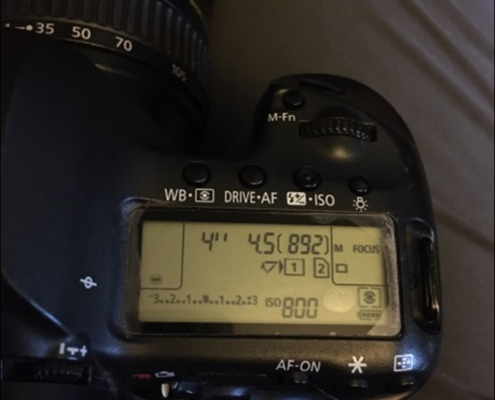
Set ISO to 800.
Set aperture to lowest ‘f’ number (= widest aperture)
Calculate your approximate longest exposure time to avoid star trails (which are caused by Earth rotation) as :
Exposure Time (secs) = 200 ÷ focal length (mm).
For example, with a 20mm lens the maximum exposure time will be around 10 seconds and with a 200mm focal length it will be around 1 second. NOTE: This used to be calculated using 500 divided by the focal length (the so-called ‘rule of 500’) but sensor pixels are smaller these days so 200 is a better number to use. With some experience you can determine what number works best for your camera…200 is just a starting point…different cameras have different pixel sizes!
Note that if using a remote shutter release, this may require use of ‘Bulb’ mode rather than ‘Manual’ mode.
Take a test shot at the exposure time calculated above. Zoom in on the shot afterwards and check for star trails. If the stars are nice and round, you exposure time is not too long. If they look like sausages or lines, then your exposure time is too long. You want to find the longest exposure time that gives you round stars.

Exposure Time too long- Star Trails visible
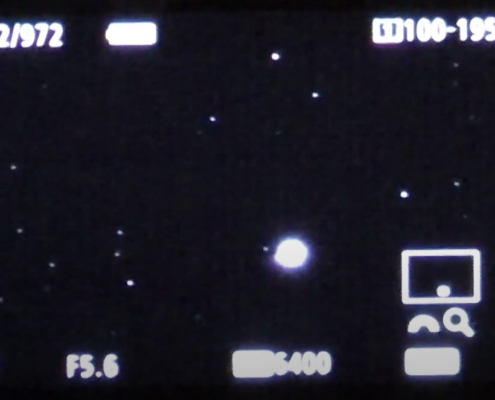
Good Exposure Time – Minimal Star Trails
5. FOCUS YOUR CAMERA
Point your camera at a bright star (e.g. Capella, Vega, etc…)
Put the camera in LiveView mode and adjust the camera pointing to get the bright star near the centre of the screen.
Use LiveView zoom, if available, to zoom in on the star, adjusting the LiveView pan as required to keep it in view.
Adjust the manual focus ring to get the star as small as possible.
NOTE: You can purchase a ‘Bahtinov Mask’ to put over the end of your lens (needs to be the right diameter). This creates a diffraction pattern that makes it easier to tell when you have perfect focus. They are available from all good astronomy equipment retailers such as Rother Valley Optics, 365Astronomy, First Light Optics, Amazon etc…
Once you have achieved good focus, take care not to knock your focus ring or lens as this will mean needing to repeat the focusing step. Note that focus can drift out over time during an imaging session due to temperature change or mechanical slippage so it is worth checking the focus every 30 minutes or so.
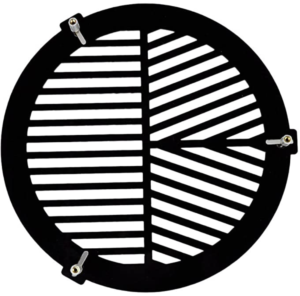
A Bahtinov Mask

LiveView Zoom on a Bright Star – Poor Focus

LiveView Zoom on a Bright Star – Good Focus
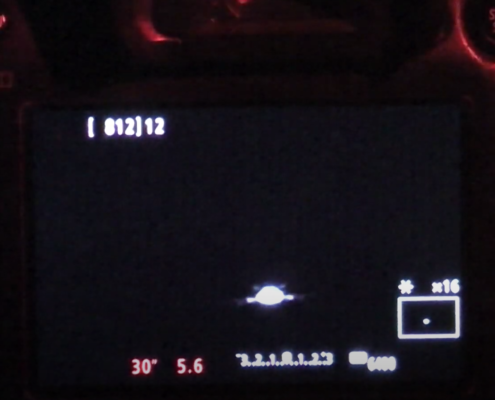
LiveView Zoom on a Bright Star using a Bahtinov Mask – Poor Focus

LiveView Zoom on a Bright Star using a Bahtinov Mask – Good Focus
6. FRAME YOUR SHOT
Now you can frame your shot. Start using some familiar constellations or bright stars you have located in Stellarium as a reference. Once you get close, take a test shot to see if your target is in the frame. Then adjust your framing and re-take a test shot, repeating until you are happy.

7. START TAKING SHOTS
Ensure you have reached the end of Astronomical Twilight…so that there is minimal sunlight left in the atmosphere. On ‘Clear Outside’ this is indicated by the left hand end of the black bar that spans the nighttime.
You can now start taking shots.
Take as many shots as you can so that you can later stack them to improve the result.

8. THINGS TO WATCH OUT FOR
There are a few things to watch out for once you are shooting…
1. The Earth rotation causes the target to be constantly moving across your field of view. The longer your focal length, the faster it will appear to move across your shot. You may well need to adjust the camera pointing every so often to keep the target reasonably centred in the frame.
2. If humidity is high and temperatures are low, dew may gradually develop on your lens. BEWARE!!! It can ‘sneak up’ on you without you noticing! If this happens, you may need to invest a little cash in a dew heater strap (and power source) to keep the dew away by gently warming the front surface of your lens.
3. Focus drift. As mentioned earlier, focus can gradually drift off. To avoid throwing away lots of your shots, check regularly using playback zoom to ensure your focus is still good.
4. Keep an eye on your battery charge levels and space remaining on your memory card.
9. POST-PROCESSING
Usually best done another day so you can get some sleep, the post-processing is where the magic happens and you hopefully get that ‘Wow!’ moment.
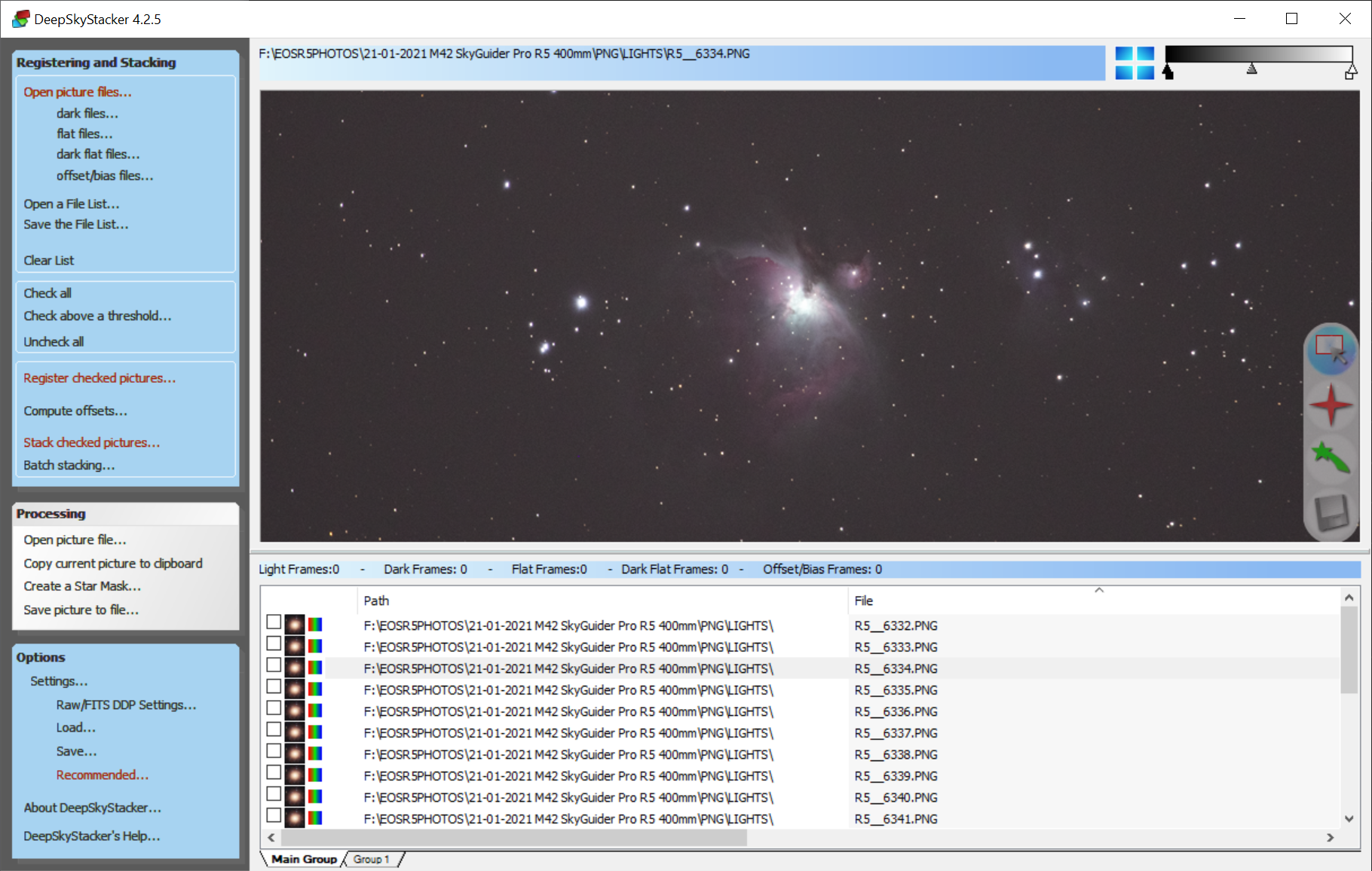
The good news here is that there is an excellent program available for FREE called DeepSkyStacker. This enables you to stack your ‘shots’ (known as ‘Light frames’), a process which adds up the ‘signal’ and averages the ‘noise’ in your images, thus improving the ‘signal to noise ratio’ and making your final image look better. The more Light frames you stack, the better the end result, but the improvement reduces with every frame you add, so using 2 frames instead of 1 gives a big improvement but using 200 instead of 199 gives only a very small improvement.
Once you have stacked your image you can save it to a file and then do the final processing using photo editing software such as PhotoShop. If you don’t have such software, DeepSkyStacker does enable you to do some stretching and adjustment that will give you a taste of what you can achieve.
Once you start using DeepSkyStacker, you will soon want to start including calibration frames to improve your result further. In particular, the use of ‘Flat’ frames would improve the result when using a static tripod by correcting for the darkening of the image towards the corners of the sensor (known as ‘vignetting’). My YouTube tutorial on calibration explains what this is all about in more detail, and shows how to use DeepSkyStacker.